Quick Facts
- Tool Name: Slides AI
- Category: AI Presentation Generator
- Platform: Google Slides (Extension)
- Core Feature: Text-to-slide automation
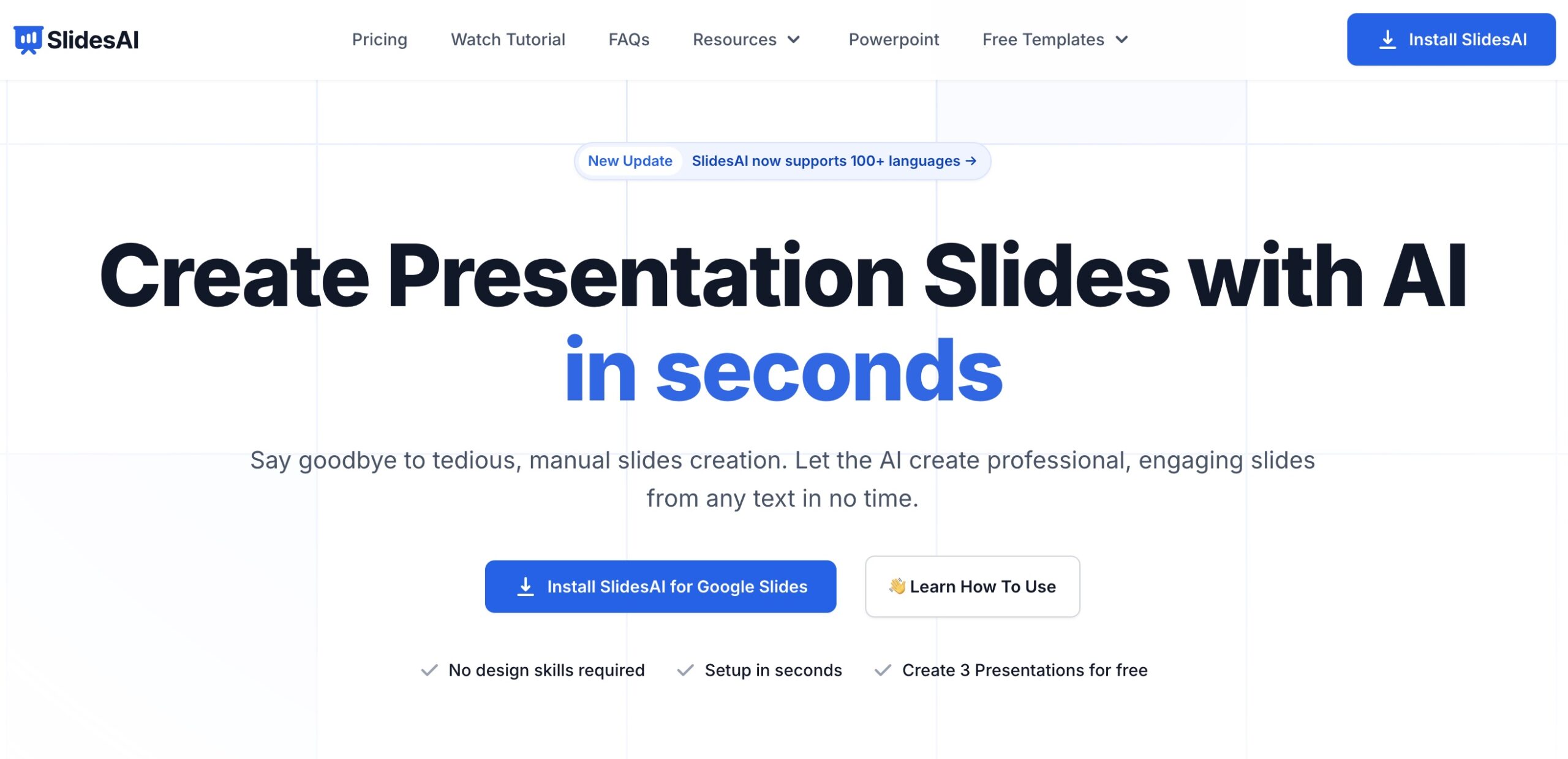
- Free Plan: Yes (3 presentations/month)
- Paid Plans: From $10/month
- Best For: Students, professionals, educators, teams
Creating professional presentations often takes hours of formatting, content structuring, and visual design. Slides AI simplifies this entire process by using artificial intelligence to transform raw text into well-structured, visually appealing slides directly inside Google Slides.
Designed for students, professionals, and teams, Slides AI helps users generate presentations faster while maintaining clarity, consistency, and design quality.
What Is Slides AI?
Slides AI is an AI-powered presentation generator that works as a Google Slides extension. It converts text into complete slide decks by automatically creating layouts, headings, bullet points, visuals, and charts based on the content provided.
Instead of designing slides manually, users can focus on ideas while Slides AI handles structure and styling.
Key Features of Slides AI
Smart Slide Design & Layout
Slides AI analyzes your content and automatically applies suitable layouts, fonts, and color schemes. This removes the need for manual formatting and keeps presentations visually consistent.
Automated Content Generation
The tool converts text into concise bullet points, summaries, and slide sections. This helps reduce clutter while improving clarity and flow.
AI-Powered Visual Enhancements
Slides AI suggests relevant images, generates charts from data, and visually represents information to improve audience engagement.
Real-Time Presentation Assistance
During presentations, Slides AI can assist with slide flow and transitions, helping presenters stay on track without breaking focus.
How to Use SlidesAI.io
- Install Slides AI from the Google Workspace Marketplace
- Open Google Slides
- Go to Extensions → SlidesAI.io → Generate Slides
- Paste or type your content
- Choose a design style or customize fonts and colors
- Generate and edit your slides instantly
Your usage limits and account details are available under the Your Account section.
Slides AI Pricing Plans
Slides AI offers flexible pricing based on usage needs:
- Free Plan:
- 3 presentations per month
- Pro Plan – $10/month:
- Up to 10 presentations per month
- Premium Plan – $20/month:
- Unlimited presentations
Paid plans unlock higher usage limits and are suitable for frequent presenters and teams.
Who Should Use Slides AI?
Slides AI is ideal for:
- Students creating academic presentations
- Professionals preparing business decks
- Educators designing lesson slides
- Marketers building pitch decks
- Entrepreneurs presenting ideas quickly
It works especially well for users already working inside Google Slides.
Slides AI vs Other AI Presentation Tools
Compared to tools like Gamma AI, which focus on standalone AI presentations, Slides AI stands out for its deep integration with Google Slides.
For users who want broader AI content support beyond presentations, tools such as Notion AI may complement Slides AI for research and drafting.
Final Verdict
Slides AI is a practical solution for anyone who needs fast, clean, and professional presentations without spending hours on design. It fits naturally into Google Slides, making it easy to adopt with no learning curve.
For creators who also work with visual storytelling, tools like LeiaPix Converter can help bring static images to life, while Slides AI focuses on structuring ideas and messaging.
Used together, Slides AI and LeiaPix Converter support stronger presentations through better structure, visuals, and engagement.
FAQs
How do I use AI slides in Google Slides?
Install Slides AI from the Google Workspace Marketplace, open Google Slides, and generate slides via the SlidesAI.io extension.
Can AI create slides automatically?
Yes. Slides AI automatically generates slide content, layouts, and visuals from your text.
Is Slides AI free?
Yes. Slides AI offers a free plan that allows up to three presentations per month.
Disclaimer: Information on AIListing.ai is based on research and public sources available at the time of writing. Accuracy and completeness cannot be guaranteed, as tools, features, and pricing may change. All images, logos, and trademarks belong to their respective owners and are shown for informational purposes only. AIListing.ai is not affiliated with or endorsed by any tool unless clearly stated.